Enter the bill
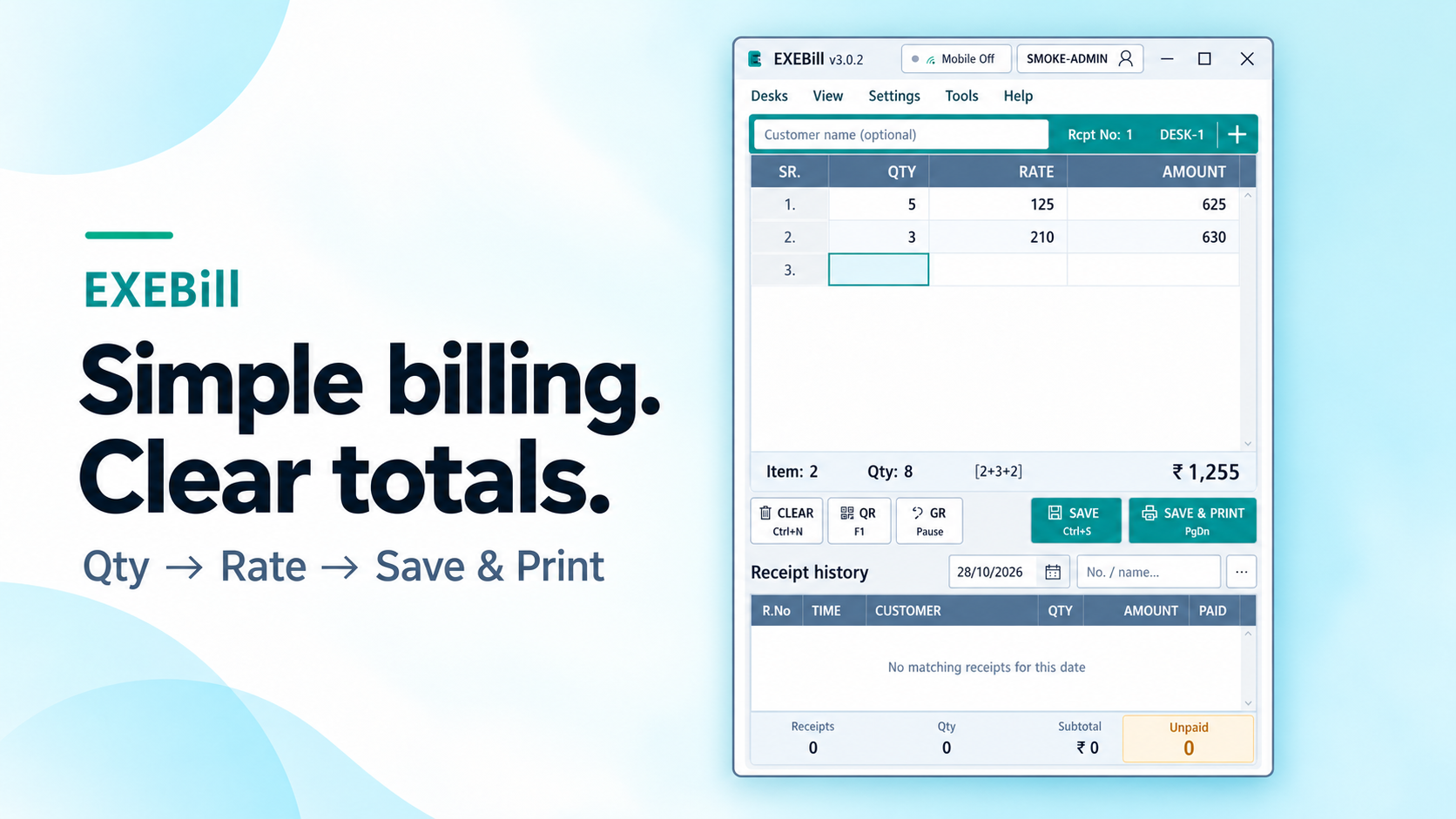
Quantity, rate and totals. Separate desks for work in progress.
 EXEBillSimple receipts. Clear records.
EXEBILL · WINDOWS + MOBILE BILLING
Enter quantity and rate. Save, print and keep your receipts in one place.
Eligible new accounts get a 7-day trial. No automatic charge.
ONE SIMPLE WORKFLOW
Quantity, rate and totals. Separate desks for work in progress.
Cash, UPI, Credit or a split. Keep the payment breakdown with the receipt.
Print the receipt. Find it later by date, name or receipt number.
YOUR PHONE. YOUR COUNTER.
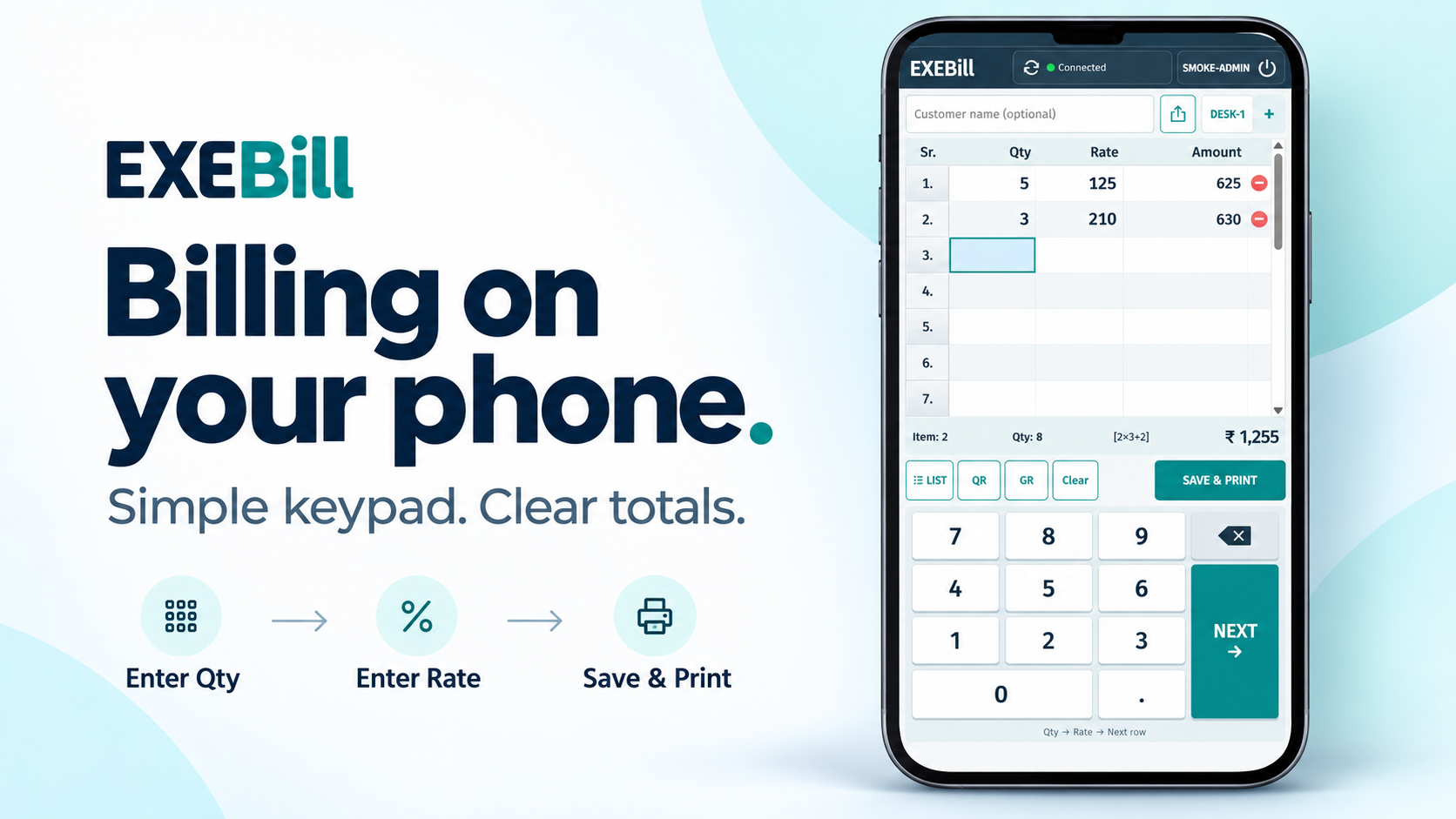
*Requires a plan with mobile access, the PC billing service running, and internet on both PC and phone.
Download, verify your email and get started.
Everyday receipts, not GST tax invoices. Keep separate backups. Terms · Privacy · 30-day refund policy